


Skip to Main Content

Will you Park Smarter?

Pay from your phone and get on with your day. Parking technology that puts people first.

Apple App StoreGoogle Play Store

What is Park Smarter?

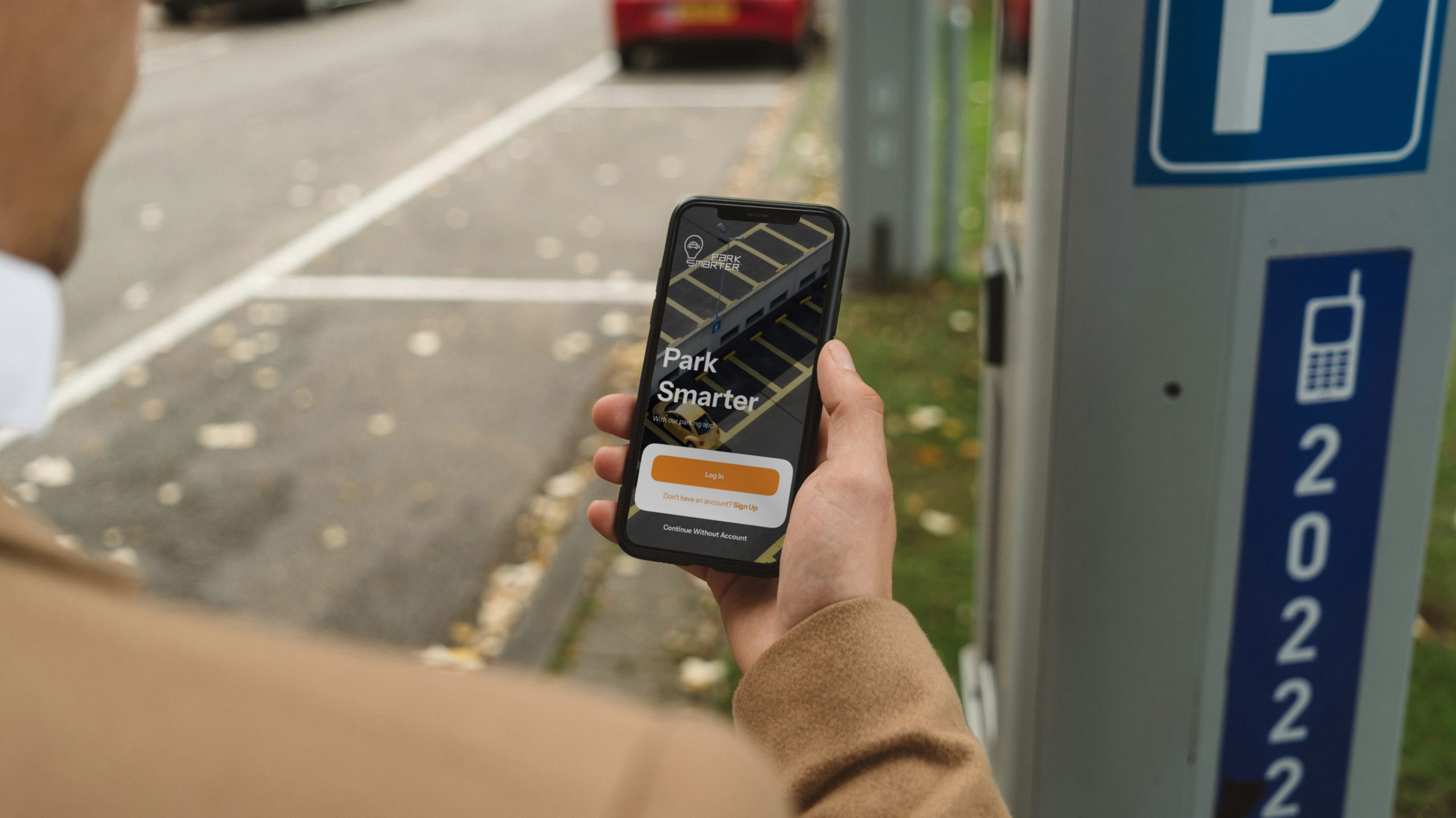
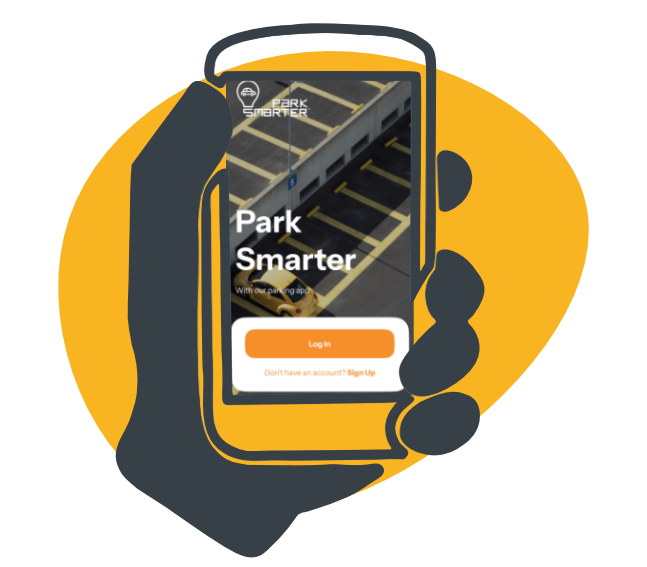
Park Smarter is an IPS solution that helps you pay for parking from your phone. It brings together a suite of mobile payment options, including the app and Text to Pay, so you can start, manage and extend a session – then get on with your day.
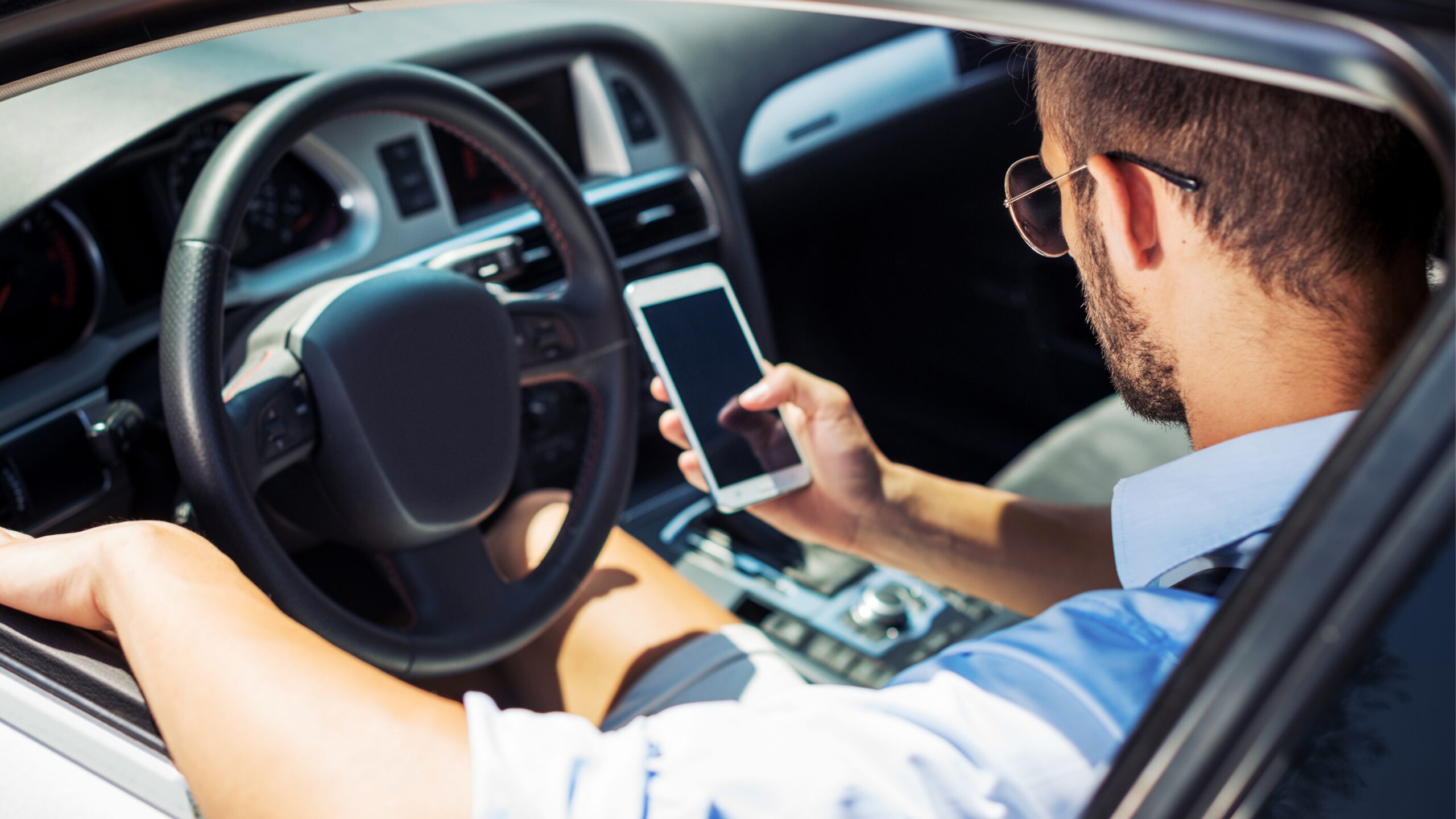

1. Pay for parking in seconds

Make starting a parking session simple. With ParkSmarter, you can pay straight from your phone, without needing cash, tickets or extra hassle.

2. Extend your stay remotely

Running late? You can add more time to your parking session from wherever you are, helping avoid unnecessary stress or rushing back to the car.

3. Find parking with confidence

Helping you quickly find available car parks and check the parking options available before you arrive, making the whole journey feel easier from the start.

Why use Park Smarter?

Because parking should be the simple bit. Park Smarter gives you clear mobile payment options, the chance to extend on the go, and support from real people if something doesn’t go to plan.

Download the app

Get Park Smarter on your phone before you park. Then, when you arrive, you can pay, manage your session and get on with your day.

Apple App StoreGoogle Play Store

FAQs

What is Park Smarter?Park Smarter is a suite of mobile payment options from IPS. Use the app to pay for parking, extend your session and view receipts on iOS or Android. You can also pay without creating an account.
How do I register for Park Smarter?Download the app from the App Store or Google Play — search for Park Smarter UK. You don’t need an account to pay. Create one if you want to store your vehicle and card details for next time.
How do I know when my parking session has started?Park Smarter isn’t a pre-booking app. Once payment is confirmed, you’ll see a countdown in the app, or on the widget on your lock screen.
Why is the app login not accepting my telephone number?The app accepts international numbers. Try adding the country code, for example +44, with or without a 0 at the start.
I have a “Network Error”. What does this mean?The app needs a stable mobile or Wi-Fi connection to take payment. If the signal drops, try again when it’s stronger.

Find our car parks

Park Smarter is available at a growing number of locations. Check before you travel, or look for Park Smarter signage when you arrive.